Step by step
- 1
Open Products & Services
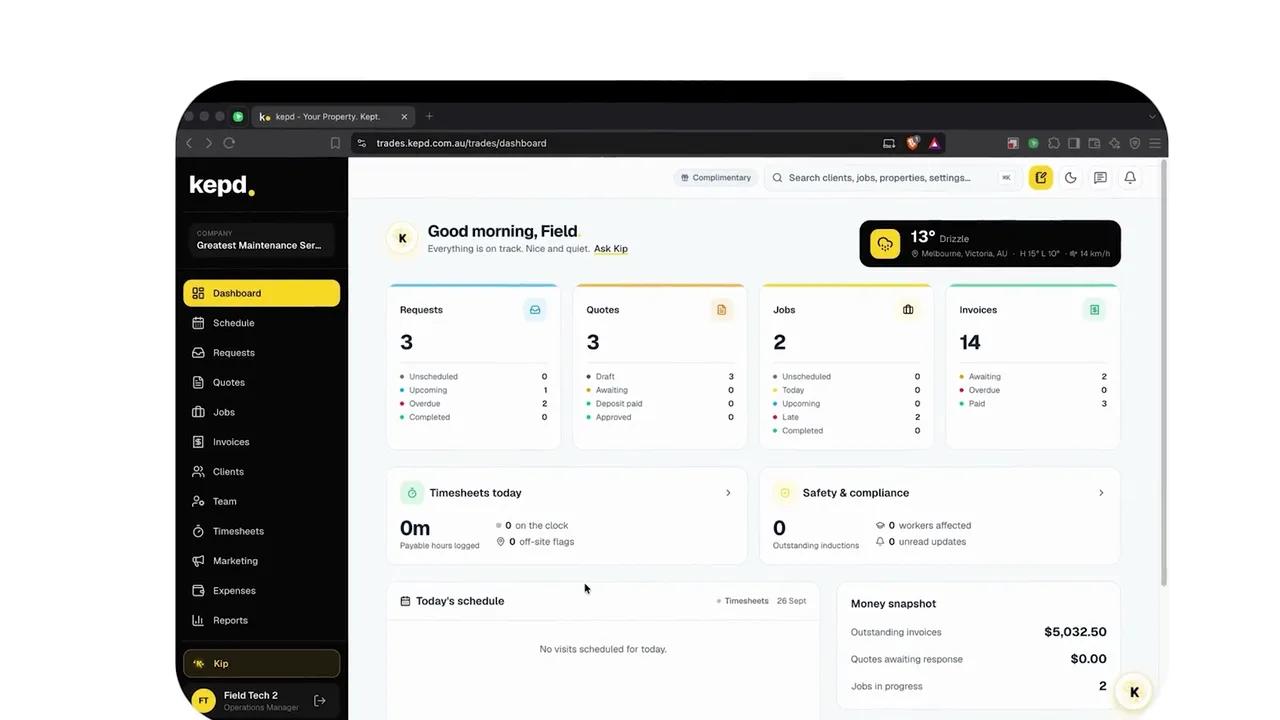
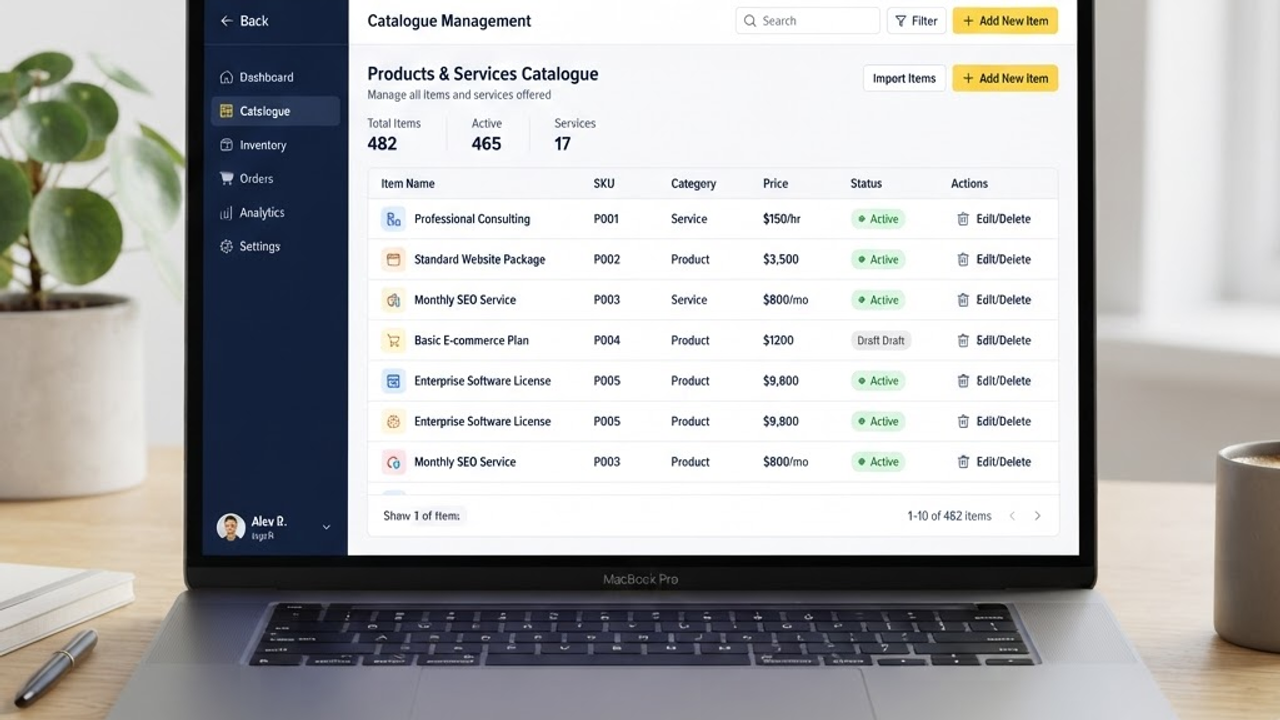
From the main navigation, go to Settings and select Products & Services. This is where your whole catalogue lives - you can add, edit and organise everything you sell here.
- 2
Add a new item
Click New item and choose whether it's a product (a physical thing you supply) or a service (labour or work you perform). Give it a clear name your team and clients will recognise.
- 3
Set pricing and tax
Enter the default unit price, your cost (optional, for margin tracking) and the tax rate that applies. These values pre-fill whenever you add the item to a quote or invoice - you can still tweak them per job.
- 4
Write a clear description
Add a short description that explains the value to the client. Good descriptions reduce back-and-forth and make your quotes look more professional.
- 5
Save and reuse
Save the item and it's instantly available across the platform. When building a quote, just start typing the name and select it - pricing, tax and description come along automatically.
What you'll achieve
- A reusable list of the products and services you sell
- Default pricing and tax applied automatically
- Faster, more consistent quotes and invoices
Pro tips
- Group similar items with consistent naming (e.g. “Callout – Standard”, “Callout – Emergency”) so they're easy to find.
- Add your most common items first - you can always expand the catalogue as you go.
- Use the cost field to keep an eye on margins without exposing it to clients.